
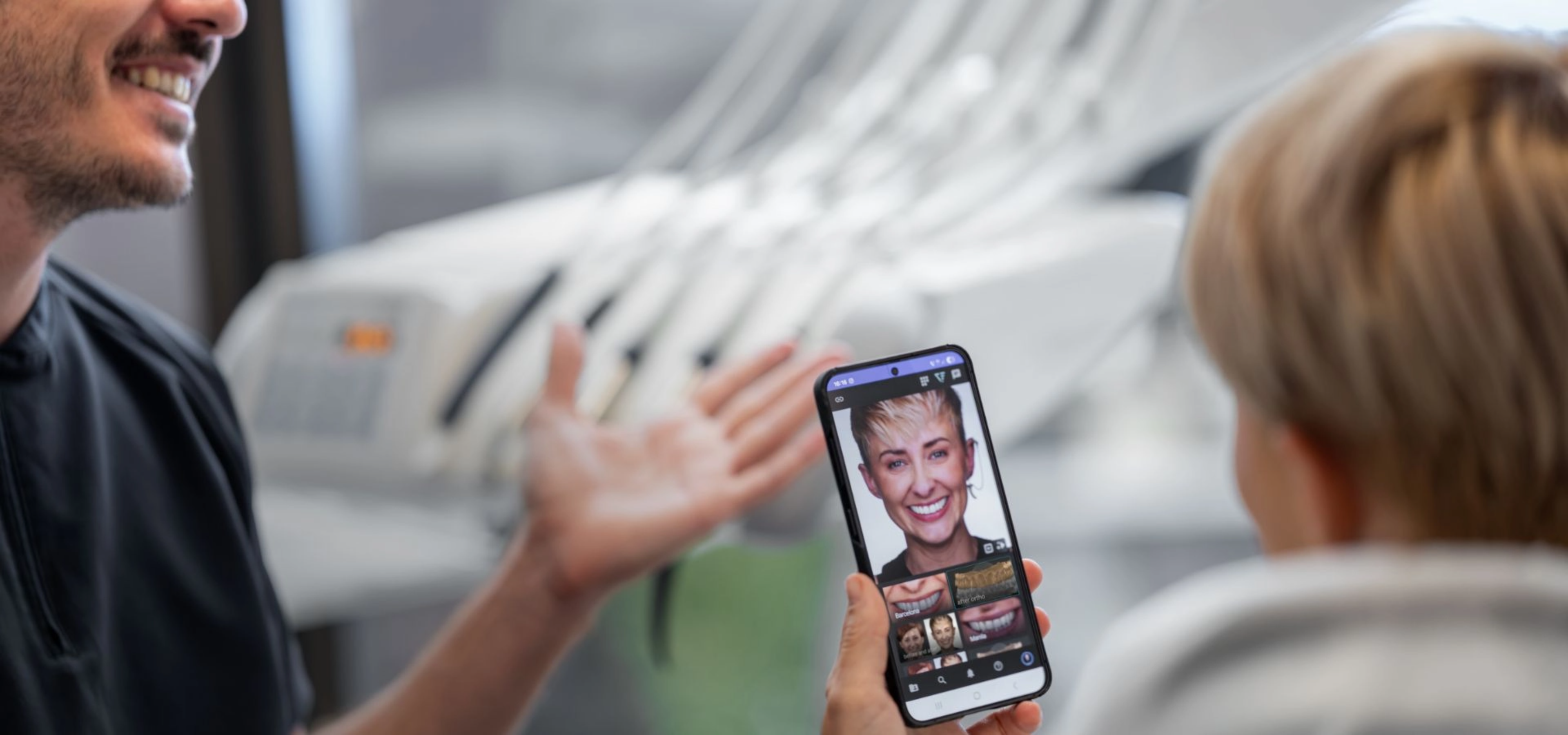
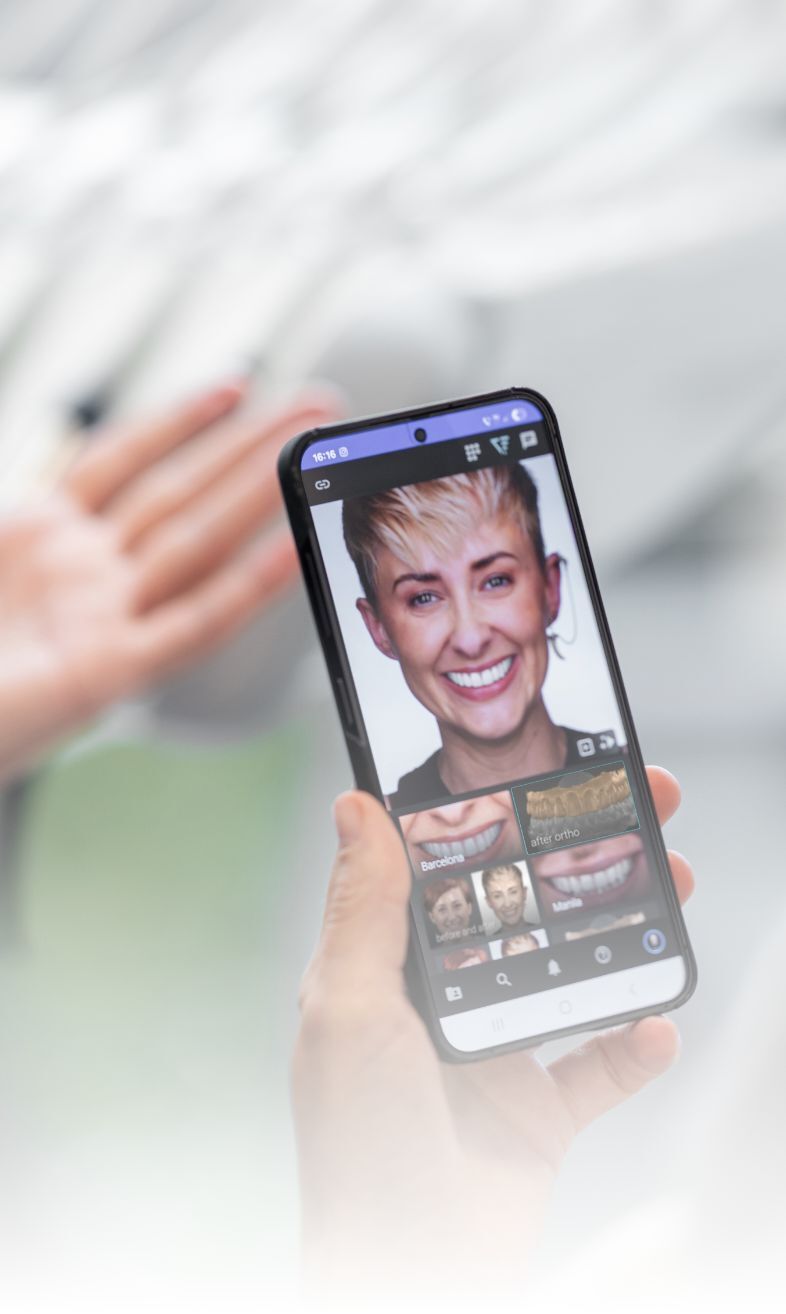
The Past, Present, and Future of Your Smile
All in one place
With Smilecloud Passport, your entire smile journey lives in your pocket.
From past photos and digital references of your features, to today’s design explorations and tomorrow’s vision, everything is stored in a secure environment where you can see it all, anytime.
Stay connected with your dentist, explore visual simulations, and keep every file safe and organized in one secure app.
Your data. Your rules.
All-in-one dental passport
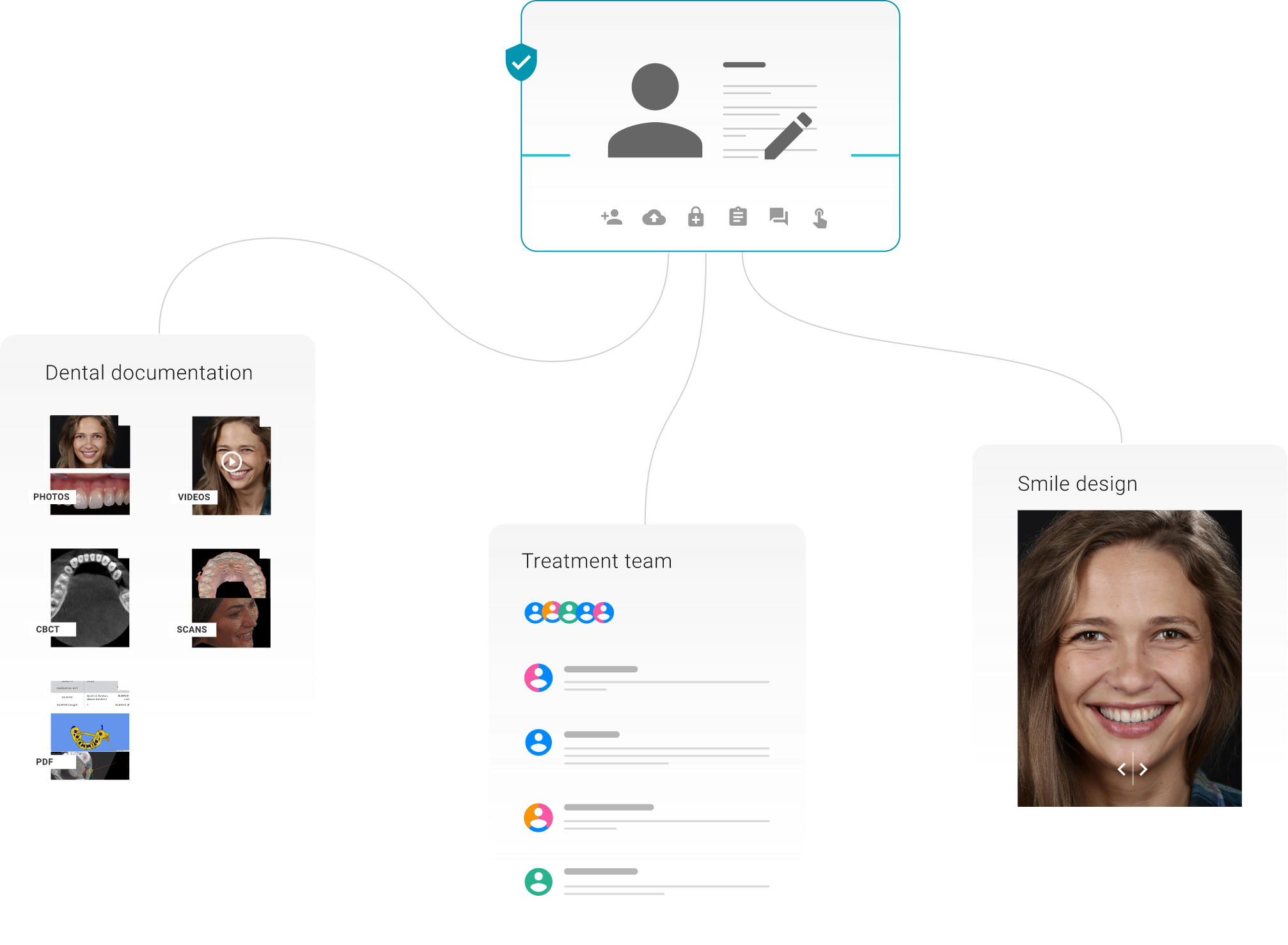
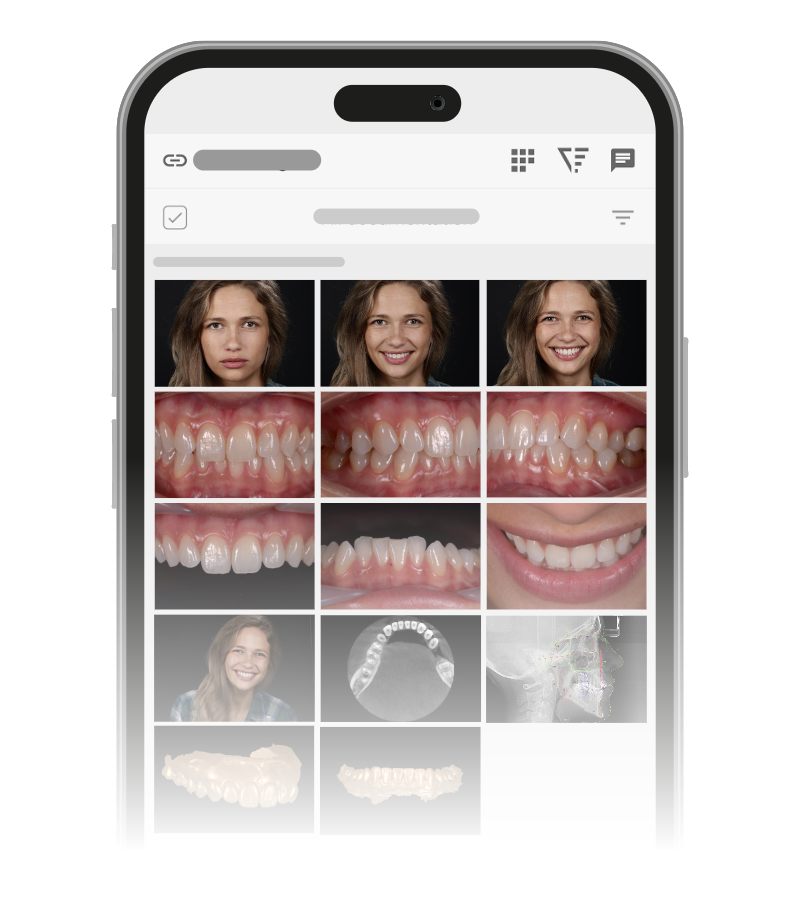
Secured cloud storage.
No more USB sticks or CDs
All your dental xrays, cbct, scans, pictures, videos, PDFs in one place.
Access anytime anywhere.
Secured and encrypted. GDPR compliant.
Control - It's your data.
Shared with you by your doctor.
Seamless communication with your dentist and his team.
Use your data for a second opinion.
Wherever your journey takes you, your files remains your own.
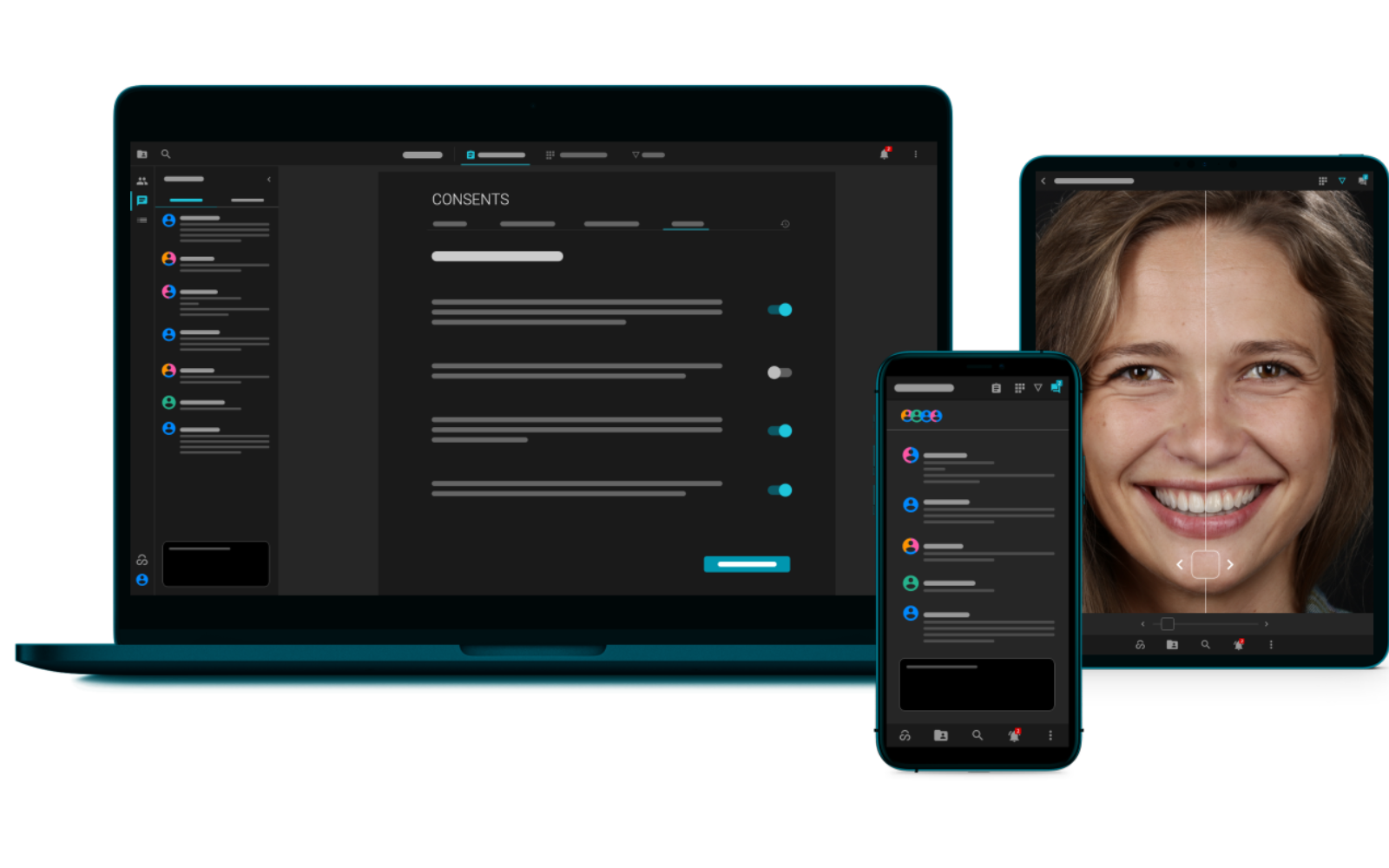
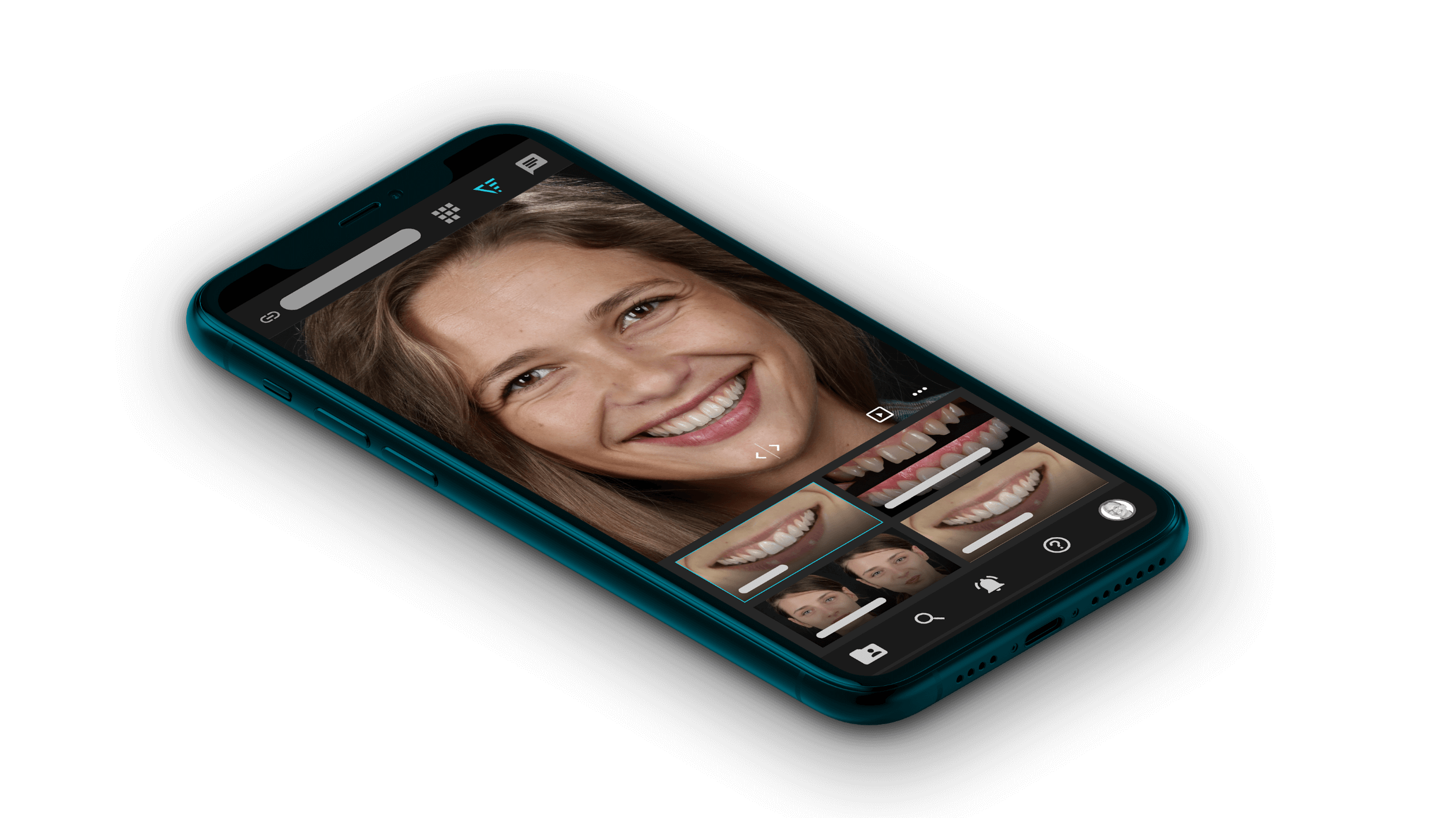
Smilecloud Passport
All your dental data at your fingertips


Frequently Asked Questions
Smilecloud Passport is your personal, secure space where all your visual case materials are stored. It’s available as both a browser app and a mobile app , giving you access to shared design previews and projects, organized and always available.
Think of it as your digital passport to your design journey, connecting you to the team in one virtual workspace. Access is provided exclusively by your dental professional.
Because it makes your design journey simple and transparent. Instead of juggling printed papers, emails, or USB sticks, you have everything organized in a single app.
Your dental professional can share:
- Visual smile concepts and presentation videos
- Photos and digital references
- Images and visual materials
- Documents or questionnaires
Having access to your dental documentation, allows you to see what your dentist sees. It is not just an explanation but visual information. Smile Design simulations will show you what your smile could look like. This makes it easier to understand your options and feel confident about your decisions.
Yes! Passport has a built-in, secure chat. You can message your dental team directly in the app whenever you have questions or need clarification.
Absolutely. Passport is encrypted and designed to protect your privacy. Only you and your dentist have access to your case information.
No. The app is free to download on iOS and Android.
Everyone who wants to better understand and visualize their smile design journey can benefit, especially those interested in preserving their natural aesthetics over time.
Many people enjoy looking back at photos of their younger selves, appreciating the way their smile once looked. With today’s digital tools, your dental professional can securely store reference images and 3D materials that capture your natural features. Smilecloud Passport offers a secure, private space, like a digital vault, where these visual references can be safely preserved and shared with you. Stored for a lifetime, they remain available whenever you wish to revisit.
✨ It’s not about fixing teeth - it’s about celebrating the beauty of your smile through time.
Many people enjoy looking back at photos of their younger selves, appreciating the way their smile once looked. With today’s digital tools, your dental professional can securely store reference images and 3D materials that capture your natural features. Smilecloud Passport offers a secure, private space, like a digital vault, where these visual references can be safely preserved and shared with you. Stored for a lifetime, they remain available whenever you wish to revisit.
✨ It’s not about fixing teeth - it’s about celebrating the beauty of your smile through time.
First, your dentist needs to invite you. Here’s how the process works:
- Invitation from your dentist – You’ll receive an email with a button to Claim your Smilecloud Passport.
- Create your account in a browser – Click the link and you’ll be taken to a registration page.
- Set your password – Choose a password to secure your account.
- Verify your email – You’ll get a confirmation email; click the link inside to verify.
- Complete your profile – The browser will open the login page where you’ll enter your name and year of birth to finish setting up.
- Access anywhere – After your account is created, you can log in from any browser or download the Smilecloud Passport mobile app (iOS or Android) to carry your smile journey in your pocket.